Station Touchscreens
Each of the seven stations has an ESP32 "CYD" (Cheap Yellow Display) — a 320×240 touchscreen that runs the crew through OS reporting and train order delivery without ever leaving the rulebook's workflow. The firmware (Station_OS) walks through four screens:
These are concept renders built directly from the firmware's actual screen layouts and colors — not photographs. Physical CYD units aren't installed on the layout yet (the firmware runs on bench-test hardware today); this gallery will be replaced with real photos once stations are wired in.
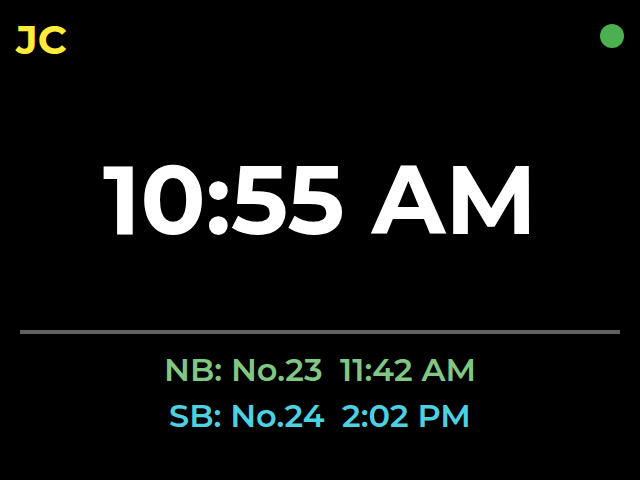
Default screen — station name, railroad time, next trains in each direction. Tap to start an OS report.
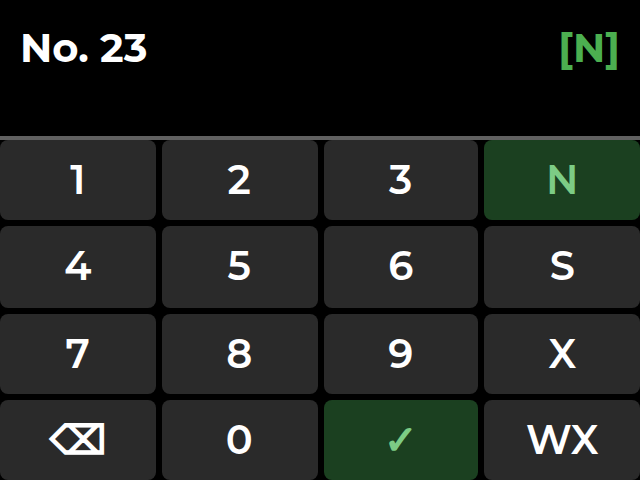
Crew keys in the train number and direction (N/S/Extra/Work Extra) on the built-in keypad.
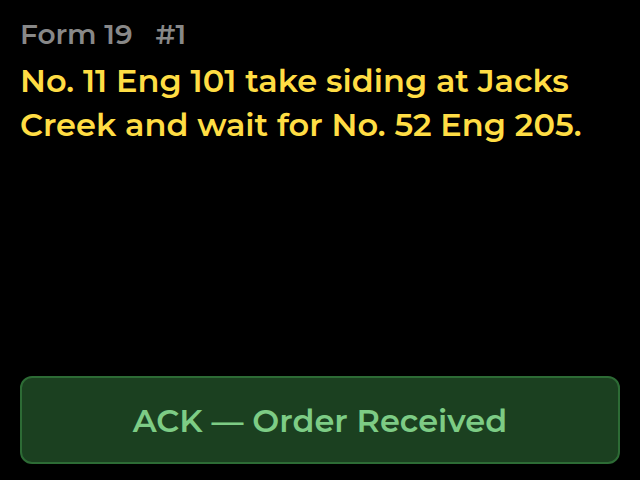
Shown automatically if a train order is waiting for this train. ACK confirms receipt back to the dispatcher.
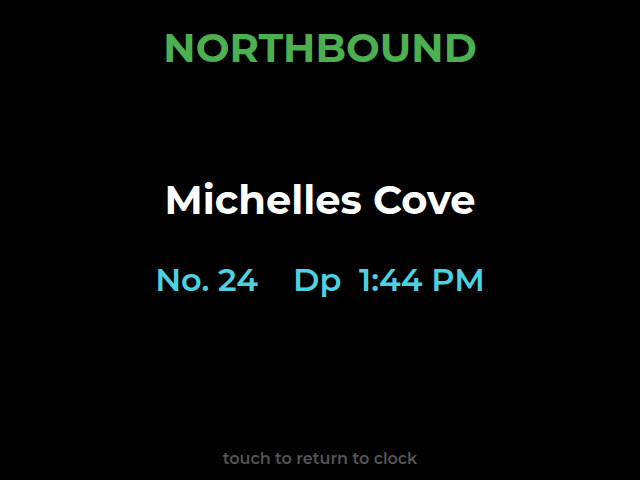
Confirms the OS report and shows the next station up the line, plus the next opposing train due there.
At five of the seven stations, the same unit also drives the physical TO signal arms via a PCA9685 servo controller over I2C — the dispatcher's signal commands and the crew's touchscreen are two views onto the same hardware.