A Session Walkthrough
Here's a meet pulled straight from the published Timetable No. 4, run on the dispatcher app while the system was still in development, showing how an OS report turns into a train order and how a southbound arrival reaches the yardmaster. No. 52 is the daily local way freight, second class, scheduled to leave Hemlock Crest at 6:15 AM and work every station down to the yard. At the same moment, an extra freight — Engine 14, no train number of its own — gets running orders to leave Williamsport northbound. The two converge at Jacks Creek — but getting there in that order takes a train order, not just the timetable.
1. Trains report as they move
Every time a train passes a station, the crew enters an OS report on that station's touchscreen — train number, direction, extra/work-extra flags. It shows up in the dispatcher's OS log immediately:
- 6:15 AM — No. 52 S reports at HC (departing)
- 6:15 AM — Extra 14 North reports at WP (departing)
- 6:24 AM — No. 52 S reports at SK
- 6:33 AM — Extra 14 North reports at XP
- 6:48 AM — Extra 14 North reports at BB
- 6:51 AM — No. 52 S reports at MC
- 6:59 AM — No. 52 S reports at JC
2. The dispatcher arranges the meet
Direction only decides superiority between trains of the same class. Class comes first, and an extra has no rights of its own — it's inferior to every scheduled train, regardless of which way either one is headed. No. 52 has every right to hold the main at Jacks Creek for its scheduled ten-minute work stop and highball south right on time at 7:09 — extra or no extra. The dispatcher wants Engine 14 kept moving, so this isn't an ordinary Form A meet — it's a Form C, Giving Right Over Another Train. The dispatcher app tracks the order's structured fields (a meet, in this case) separately from which lettered form it represents, since the form is what determines what authority the order is actually carrying. No. 52 reports into Jacks Creek right on schedule at 6:59 AM, but Extra 14 North is already past Becs Bend and closing fast. The dispatcher issues a Form C order to Jacks Creek, holding No. 52 in the siding past its scheduled departure, and lowers the JC train order signal so the crew sees it's waiting for them:
No. 52 Eng 205 take siding at Jacks Creek and wait for Extra 14 North.
The station's CYD shows the order on the Orders screen until the crew taps ACK. The dispatcher's train order log tracks it from issued to acknowledged in real time.
3. The meet happens, both trains continue
- 7:03 AM — Extra 14 North reports at JC (passes No. 52 in the siding)
- 7:21 AM — No. 52 S reports at BB (resuming south)
- 7:35 AM — No. 52 S reports at XP
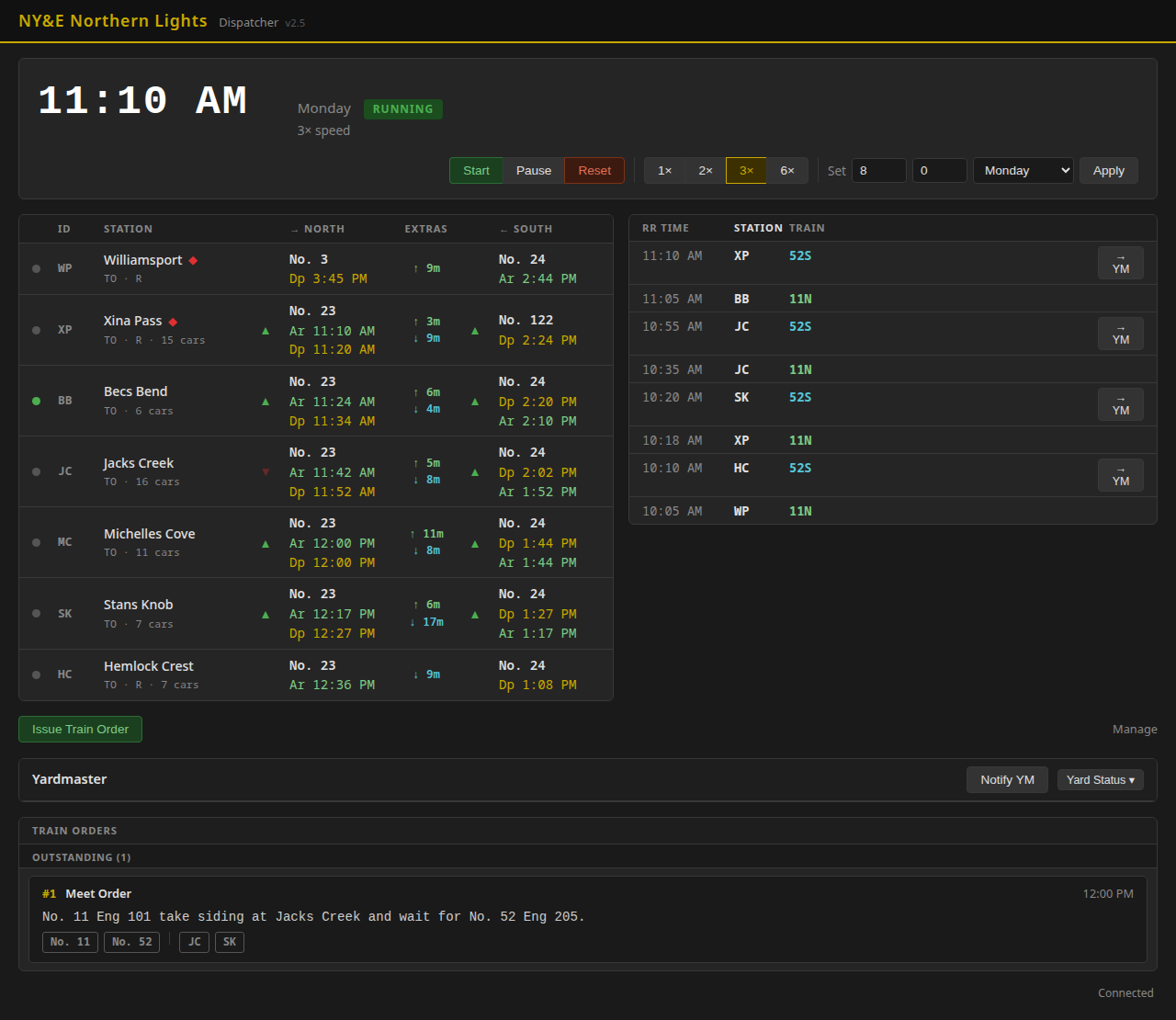
Here's the dispatcher's view after all of this — the full OS log on the right, the meet order at the bottom, and the lowered JC signal arm reflected in the station table:
4. Southbound arrival reaches the yard
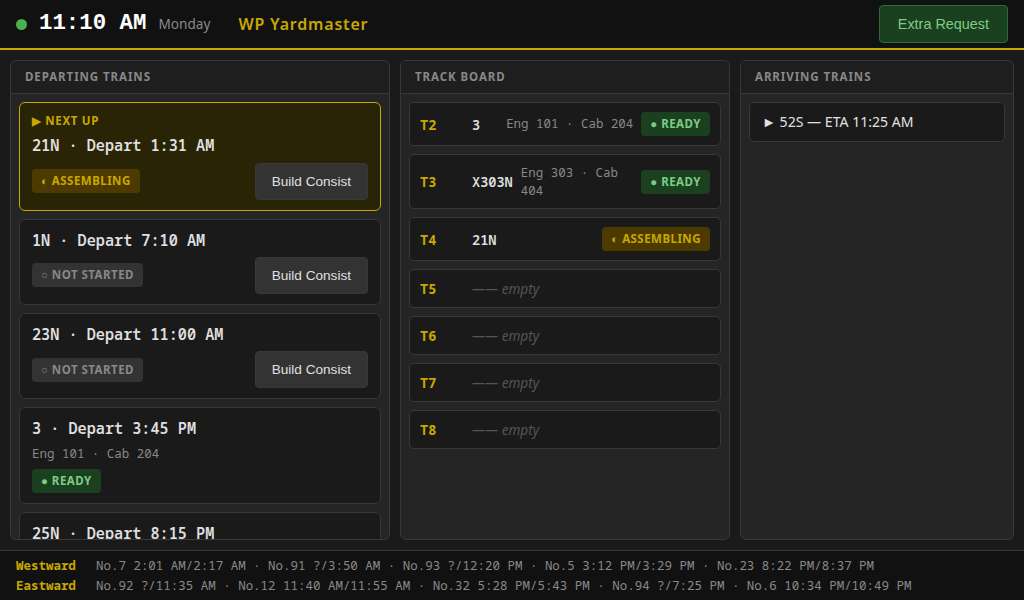
No. 52's XP report is a southbound arrival, so the dispatcher sends a Notify YM with an expected arrival time. The yardmaster's terminal shows it on the Arriving Trains panel, prompting the YM to ready an arrival track and line the switch route — the yardmaster still decides which track it lands on. Meanwhile, a departing train (No. 3) has already been built and marked ready, with its engine, caboose, and car counts on the track board: